



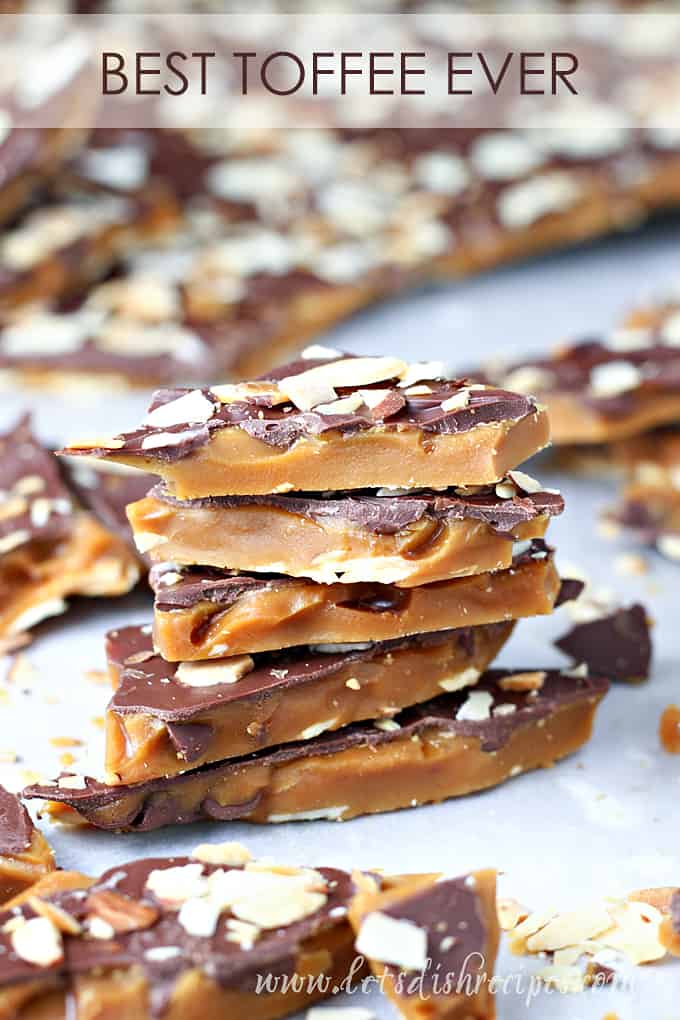
Old fashioned toffee topped with chocolate and chopped nuts.
Why You’ll Love This Recipe
This really is the Best Toffee Ever, and it’s perfect for sharing with family and friends this holiday season! I have tried many, many toffee recipes over the years.
Quite a few of them have been complete failures (and I have a funny feeling it wasn’t the recipe).

I have never made toffee before. I’m more a baker than candy maker so this was my very first try for toffee. It was PERFECT! Everyone raved over this deliciousness. So much so, in fact, that I have to make more.
Angie

Luckily, I’ve learned a few things from my mistakes, and I’ve also found a tried and true toffee recipe, which helps make up for any “human error.”
Here are a few of my favorite toffee making tips:
- Use a medium to large, heavy pot. This is definitely one of those times it’s best to follow the advice of Julia Child and “always start out with a larger pot than what you think you need.”
- Melt the butter and sugar together over low heat, whisking the WHOLE time (the constant whisking is very important).
- Bring your toffee to a steady, but NOT a rolling boil, at medium to medium-high heat, and continue to whisk constantly.
- When your thermometer says 285 degrees, drop a bit of toffee into some ice water…it should be brittle. If so, it’s done!
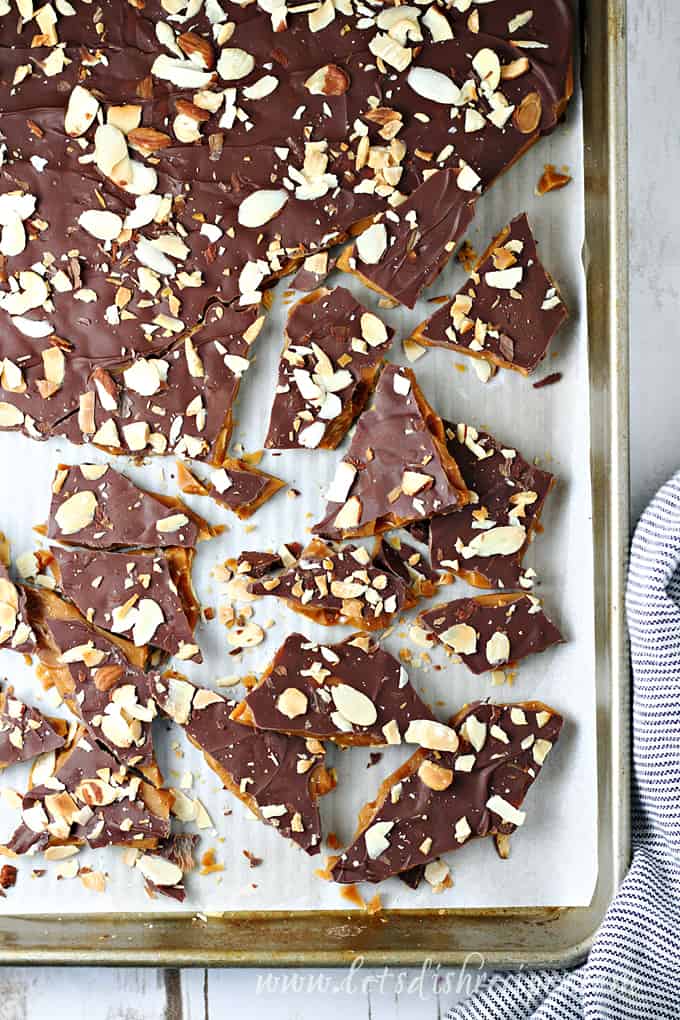
Update: After sharing this recipe, I had several people tell me they don’t use a candy thermometer when making toffee. They just cook the caramel until it’s the color of peanut butter.
I tried it and it works brilliantly! I actually put a jar of peanut butter on the counter next to my pot for comparison. As soon as the toffee looks like the peanut butter, I pull it off the stove and pour it onto the baking sheet. It’s now my go-to method for perfect toffee every time!
Just made this and it is awesome! My first try didn’t come out very good because I didn’t cook it long enough.
I read the comments and someone said she took it off the stove when it reached the color of peanut butter. Thank you very much because the second try was perfection!
Wanda
That’s it! You’re ready to make some delicious toffee. And once you’ve perfected your toffee making technique, you’ll really be able to impress your family and friends with your delicious homemade candy.
It really is worth all that whisking and stirring!
Be sure to save this recipe to your favorite Pinterest board for later.
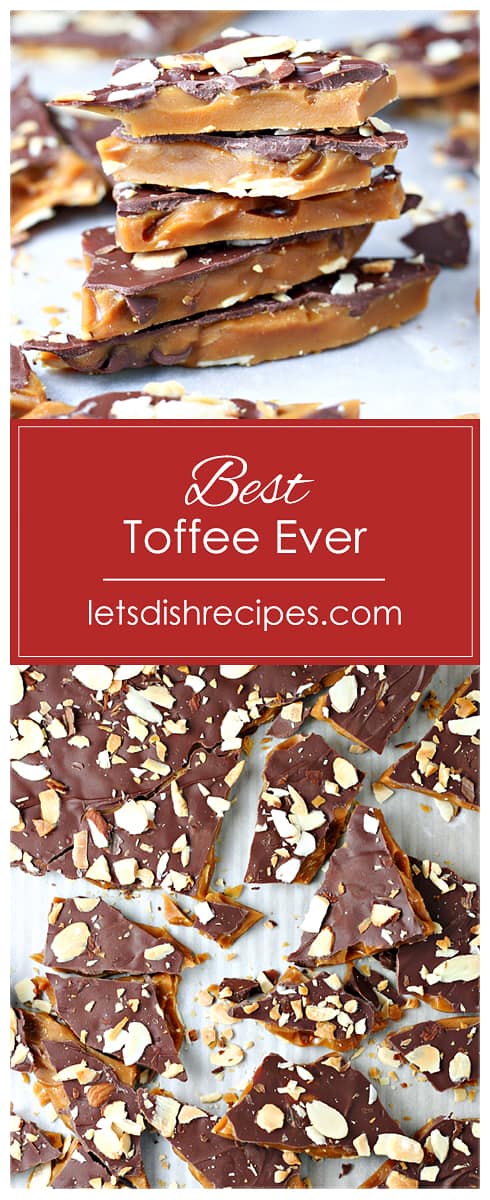
Ingredients
- Butter
- Sugar
- Salt
- Vanilla
- Chocolate chips
- Almonds
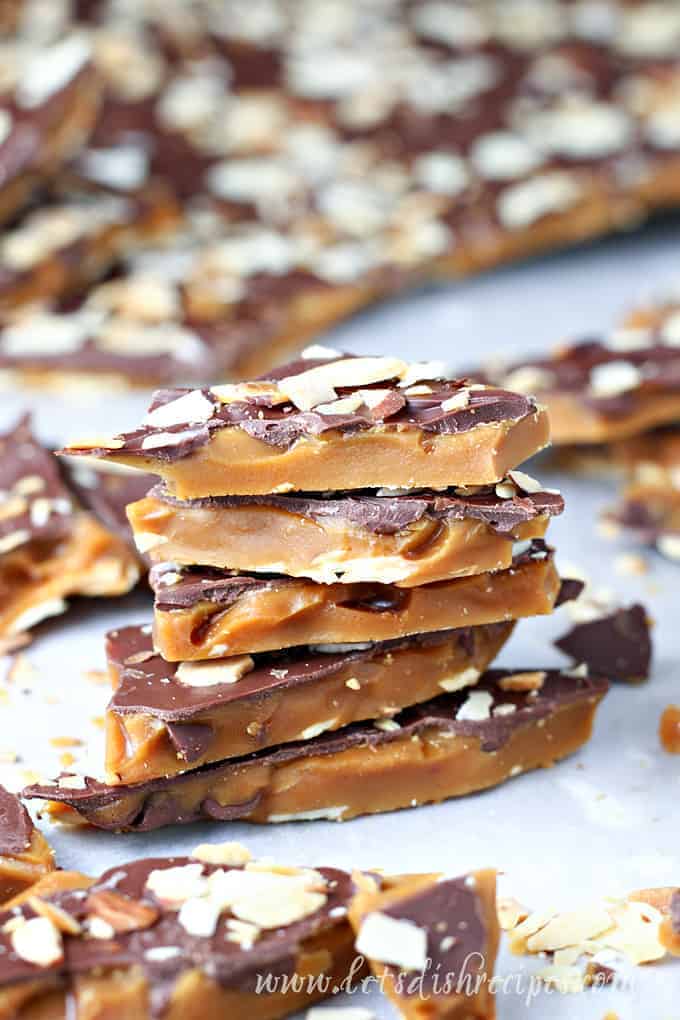
Best Toffee Ever
Ingredients
- 2 cups butter
- 2 cups white sugar
- 1/4 teaspoon salt
- 1 teaspoon vanilla
- 2 cups semisweet chocolate chips
- 1 cup chopped almonds optional but recommended, toast almonds before adding to toffee
Instructions
- Cover a large baking sheet with aluminum foil or parchment paper.
- In a medium to large heavy bottomed saucepan, combine the butter, sugar and salt over low heat until butter is melted, whisking constantly. Bring to a steady (not rolling) boil over medium to medium-high heat, and cook, whisking constantly, until the mixture has reached 285 to 300 degrees F (137 to 150 degrees C).
- Remove toffee from heat and stir in vanilla. Pour mixture onto the prepared baking sheet. (If desired, you can sprinkle some of the nuts on the baking sheet before pouring on the toffee).
- Sprinkle the chocolate chips over the top, and let chocolate soften for a few minutes. Spread the chocolate into a thin even layer. Sprinkle with chopped almonds.
- Refrigerate until set. Break into pieces, and store in an airtight container.
Nutrition
If you love this recipe, you might also like:
[mv_create key=”1105″ layout=”circles” thumbnail=”https://letsdishrecipes.com/wp-content/uploads/2013/12/Toffee-Feature.jpg” title=”More Holiday Treat Recipes” type=”list”]


1,339 comments
Altontrice
Кто согласовывает проект производства работ?
JamesGoalt
Индивидуальный подход к ребенку
Richarddor
маммографию и регулярные осмотры у гинеколога женщинам;
warning